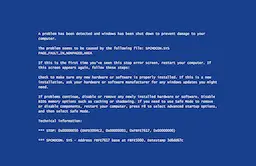
A problem has been detected and Windows has been shut down to prevent damage to your computer.
The problem seems to be caused by the following file: SPCMDCON.SYS PAGE_FAULT_IN_NONPAGED_AREA
- If this is the first time you've seen this stop error screen, restart your computer. If this screen appears again, follow these steps:
- Check to make sure any new hardware or software is properly installed. If this is a new installation, ask your hardware or software manufacturer for any Windows updates you might need.
- If problems continue, disable or remove any newly installed hardware or software. Disable BIOS memory options such as caching or shadowing. If you need to use Safe Mode to remove or disable components, restart your computer, press F8 to select Advanced startup options, and then select Safe Mode.
*** STOP: 0x00000050 (0xFD3094C2, 0x00000001, 0xFBFE7617, 0x00000000)
*** SPCMDCON.SYS - Address FBFE7617 base at FBFE5000, Datestamp 3d6dd67c

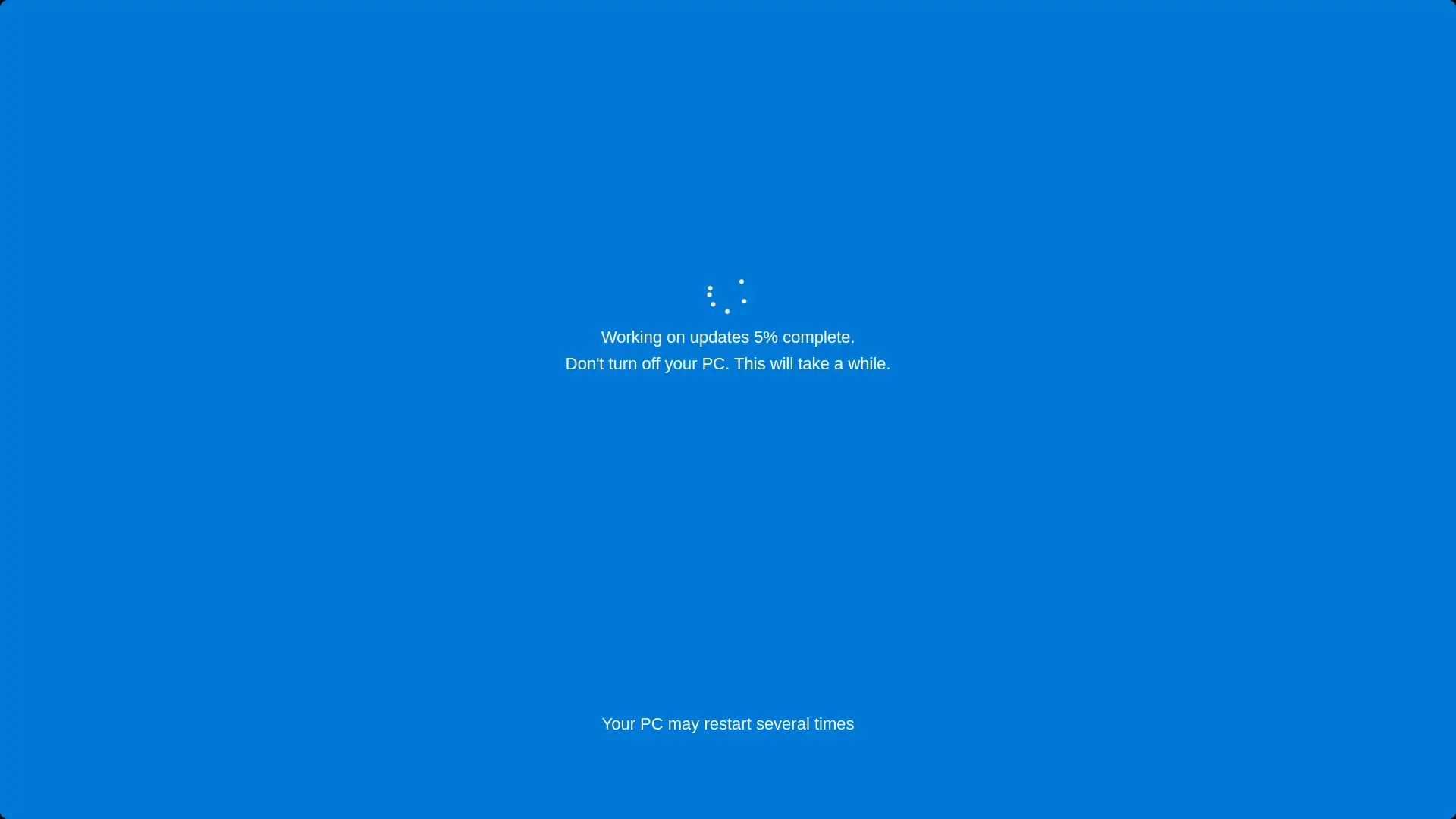
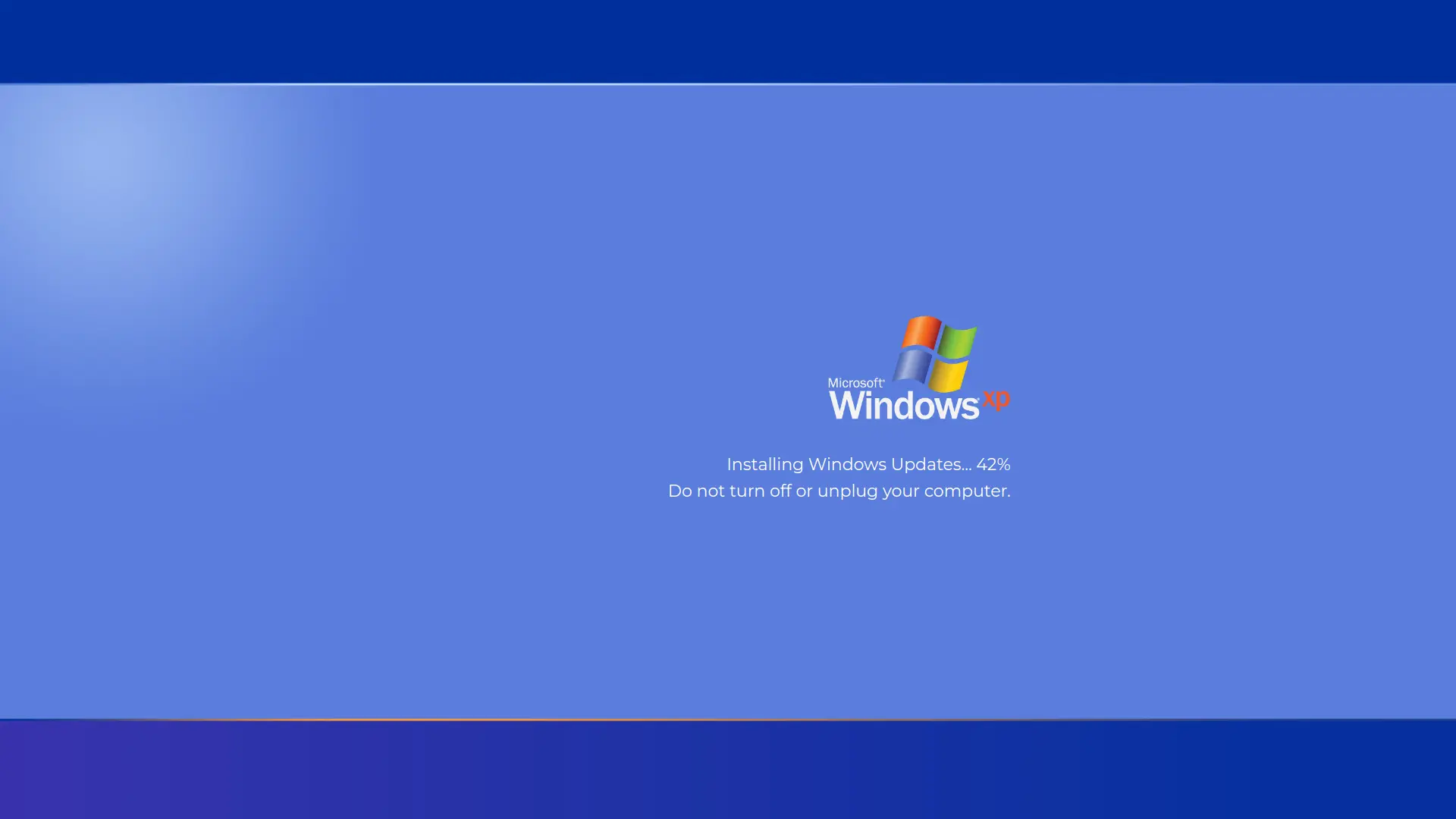
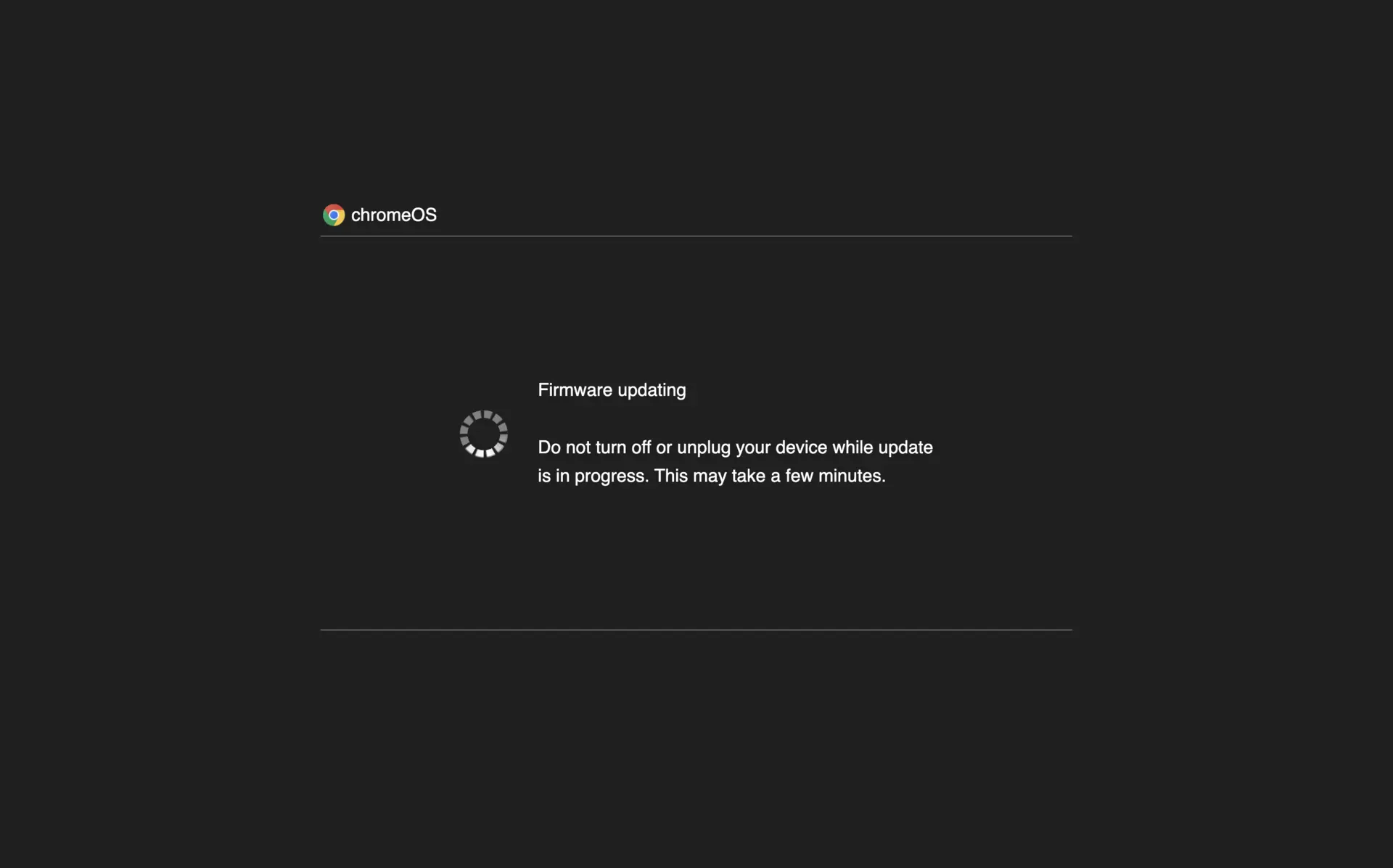
Fake Update Screens


Screensaver Screens


What is Blue Screen of Death?
A classic Windows blue screen simulation built with pure HTML/CSS (no images). Perfect for pranks, classroom demonstrations, or nostalgic tech visuals. Text scales cleanly for any screen size.
How to Use
- 1Click the preview area to enter fullscreen mode
- 2Show the blue screen for prank or demo
- 3Click anywhere or press ESC to exit
- 4Switch languages using the language switcher if needed
Best Tips
- Use fullscreen for best effect
- Increase display brightness for vivid blue
- Place device at eye level for realism