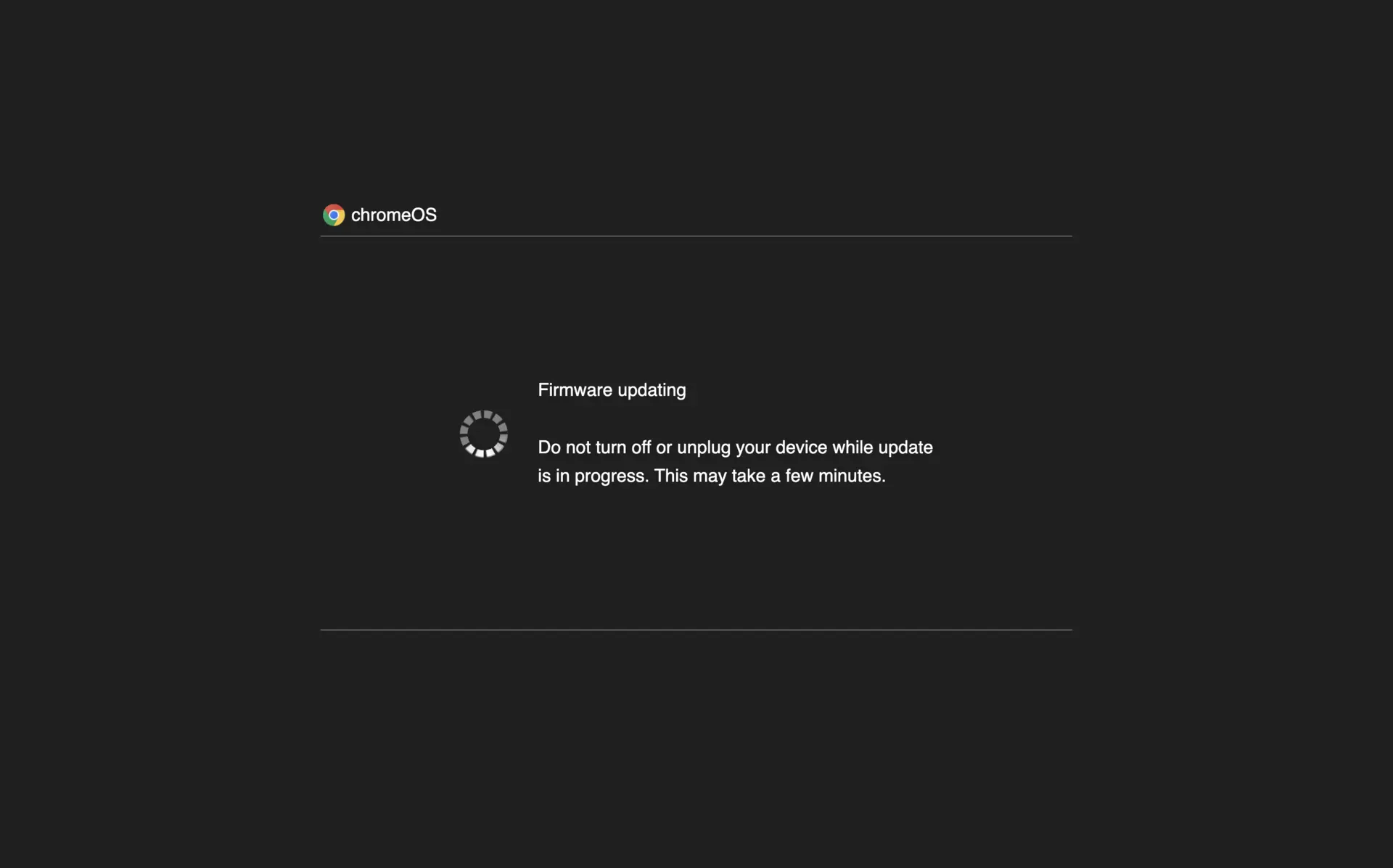
chromeOS
Firmware updating
Do not turn off or unplug your device while update is in progress. This may take a few minutes.
Click to enter fullscreen


Fake Update Screens
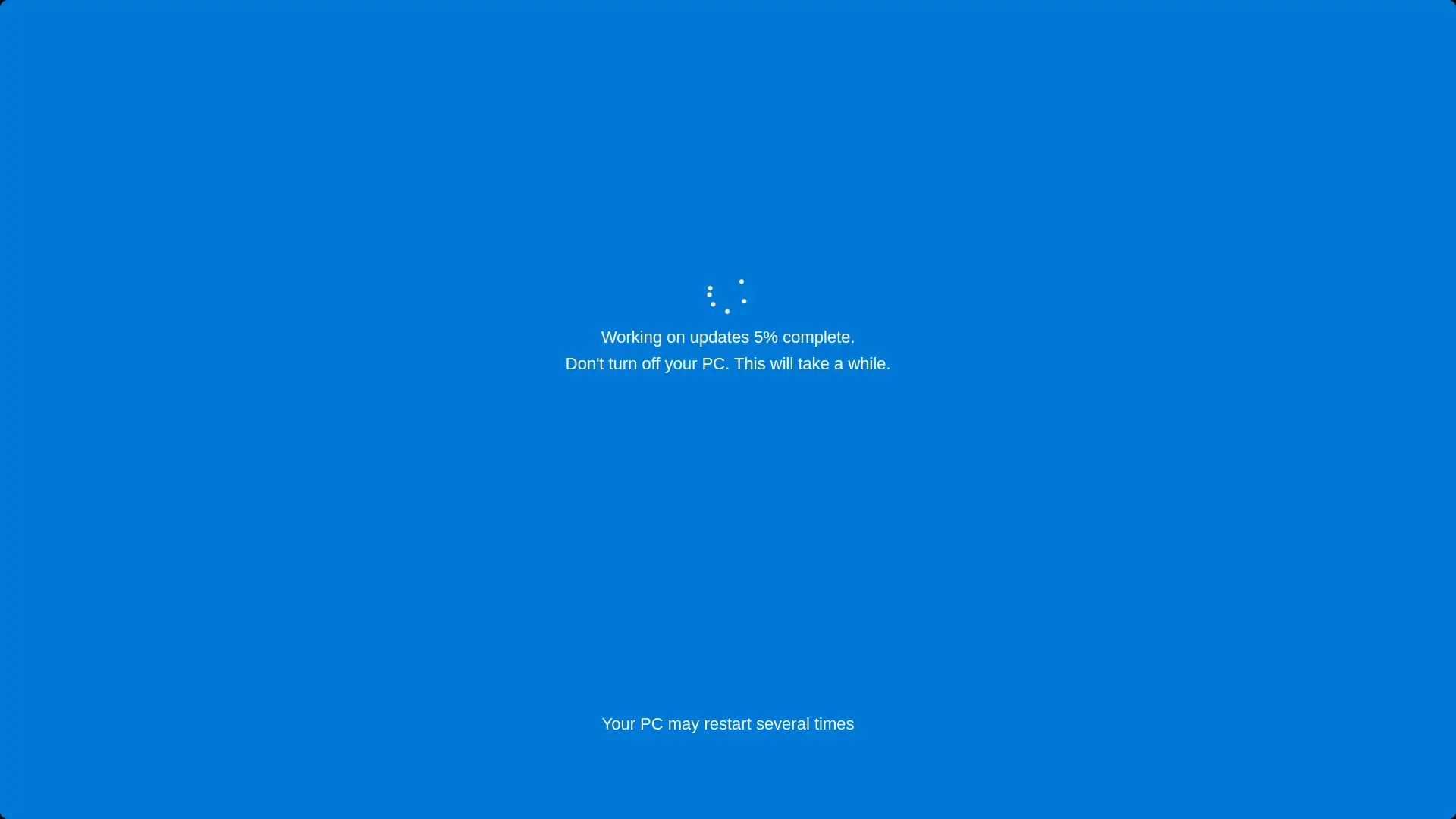
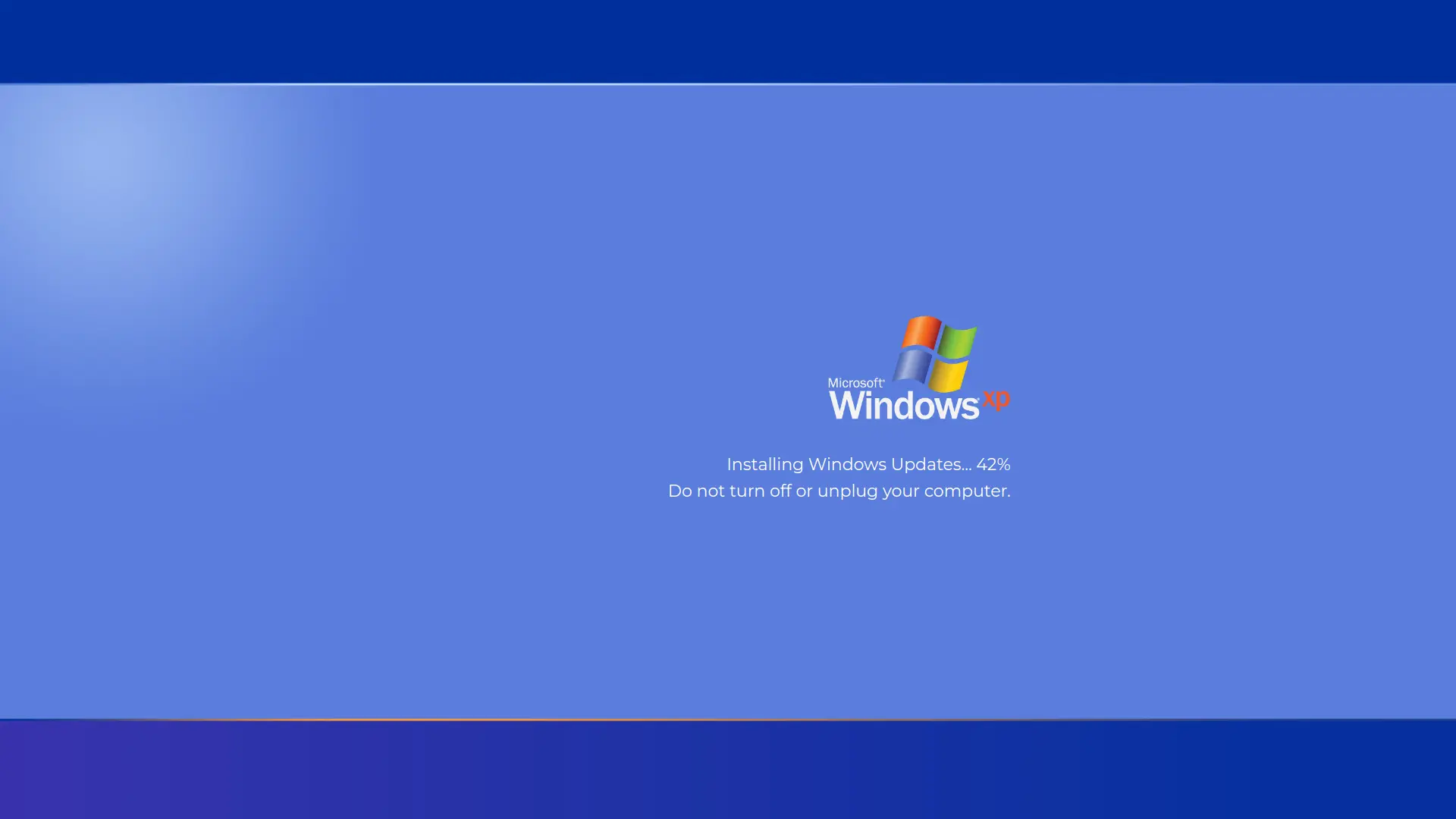


Screensaver Screens


What is Fake ChromeOS Update Screen?
A realistic ChromeOS firmware update screen simulator that displays the authentic Google Chrome logo with animated loading spinner. Perfect for pranks, demonstrations, or testing purposes. Features the genuine ChromeOS visual design with minimalist dark interface and progress bar animation.
Features
- Authentic ChromeOS update screen design
- Google Chrome colorful logo (red, yellow, green, blue)
- Animated white circular spinner
- Realistic firmware update message
- Progress bar animation at bottom
- Fullscreen mode for maximum realism
- Dark gray background matching ChromeOS
- Simple click-to-start operation
How to Use
- 1Click the preview area to enter fullscreen mode
- 2The ChromeOS firmware update screen will appear
- 3Progress bar will animate automatically
- 4Click anywhere or press ESC to exit fullscreen
- 5Perfect for pranking Chromebook users
Best Tips
- Use fullscreen mode for the most realistic effect
- Perfect for pranking Chromebook and ChromeOS users
- Great for demonstrations or screenshots
- Authentic ChromeOS minimalist design
- Works on any device, not just Chromebooks