Start Update
Update Settings
5 min
0%


Fake Update Screens
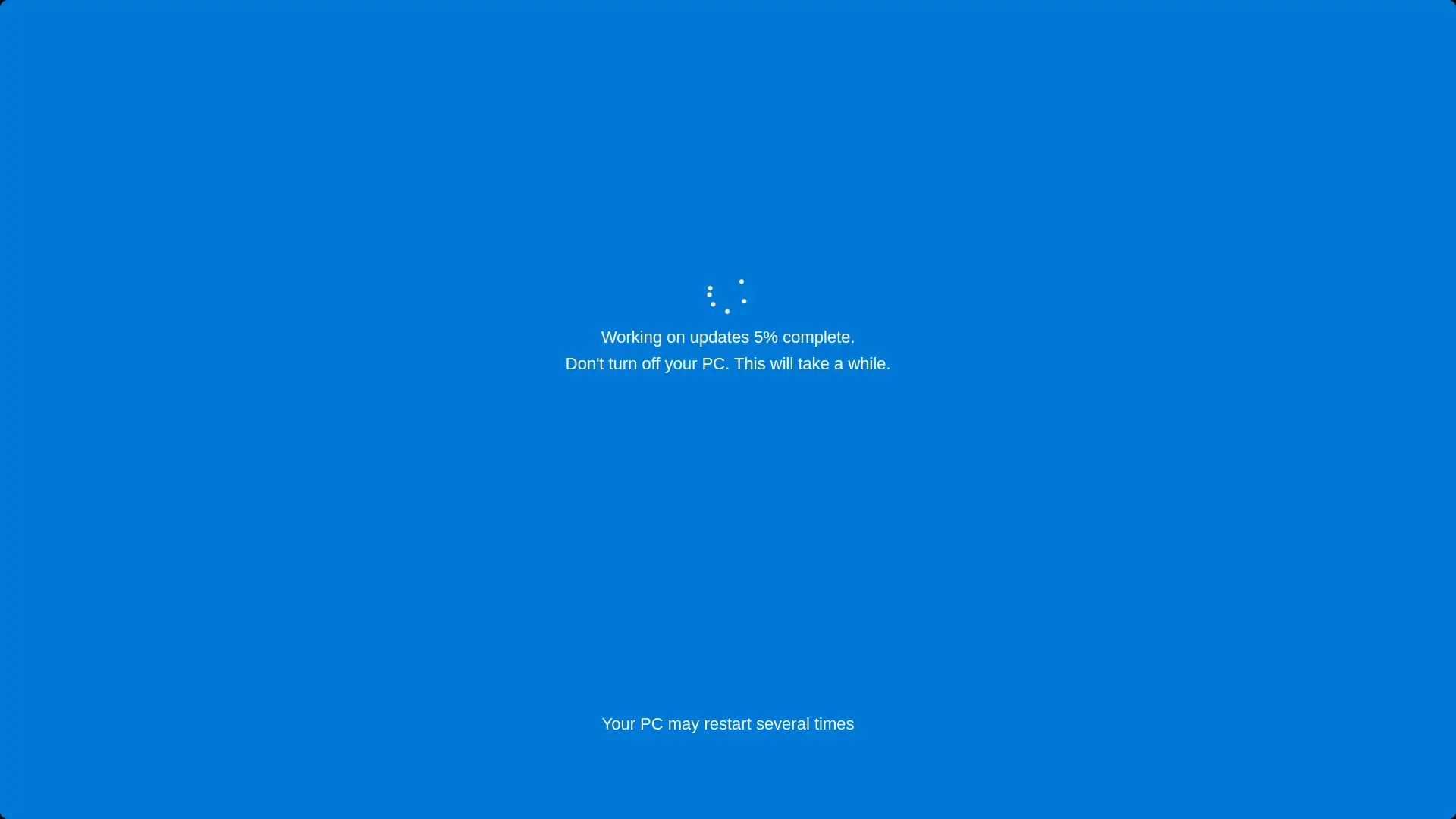


Screensaver Screens

What is Fake Mac OS X Update Screen?
A minimalist Mac OS X update screen simulator featuring the iconic Apple logo and sleek progress bar. Perfect for pranks or demonstrations with customizable duration and starting progress.
Features
- Authentic Mac OS X minimalist design
- White Apple logo on black background
- Sleek progress bar animation
- Customizable update duration (1-60 minutes)
- Adjustable starting percentage (0-99%)
- Fullscreen mode for maximum realism
- Automatic progress calculation
How to Use
- 1Set your desired update time (1-60 minutes)
- 2Choose the starting percentage (0-99%)
- 3Click 'Start Update' to begin the simulation
- 4Click anywhere or press ESC to exit fullscreen
- 5Use reset button to restart with different settings
Best Tips
- Perfect for pranking Mac users
- Use fullscreen mode for authentic Apple experience
- Great for demonstrations or screenshots
- Minimalist design matches Apple's aesthetic
- Works great on any screen size