Installing system updates...
Start Update
Update Settings
5 min
0%

Fake Update Screens
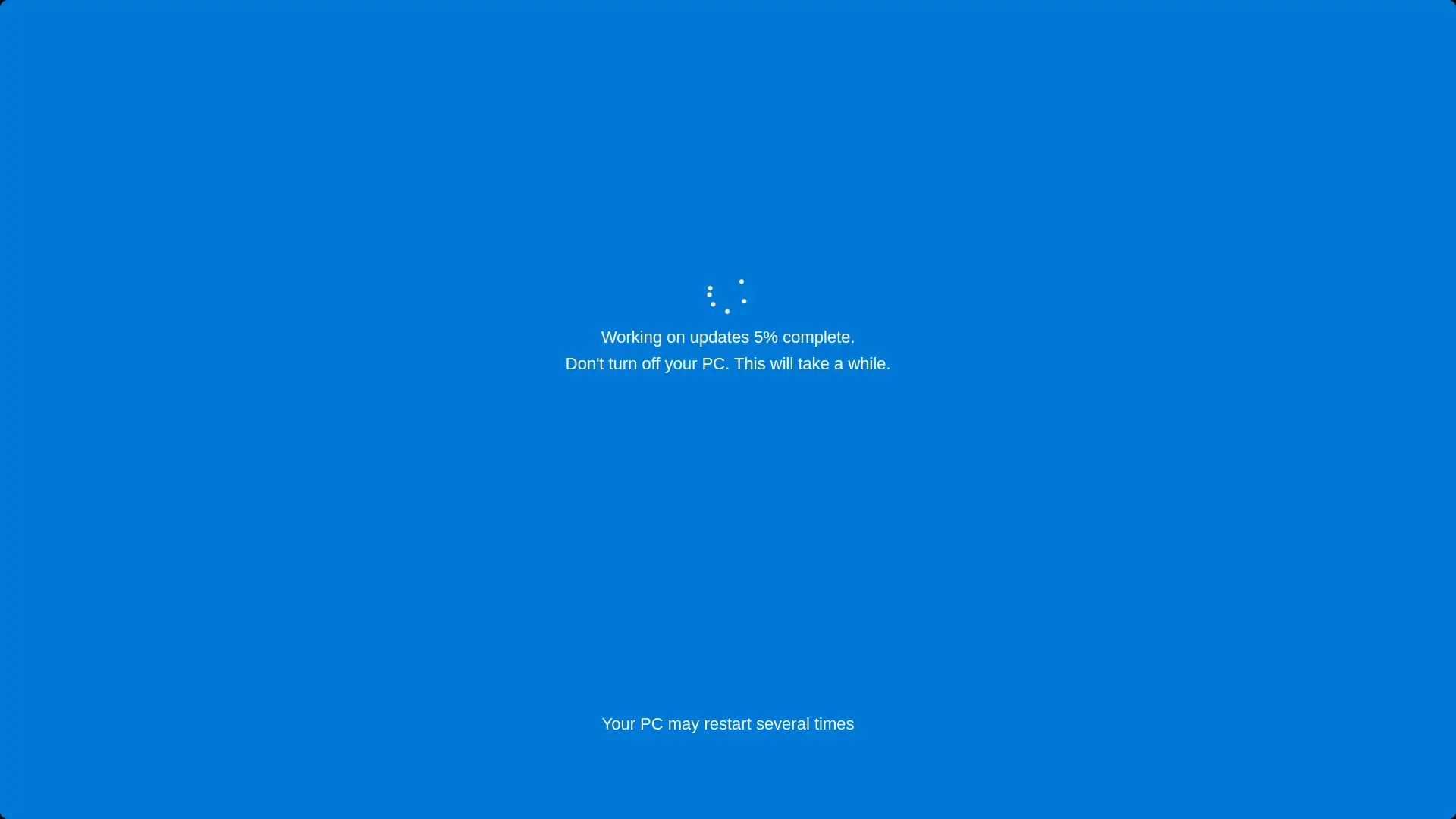
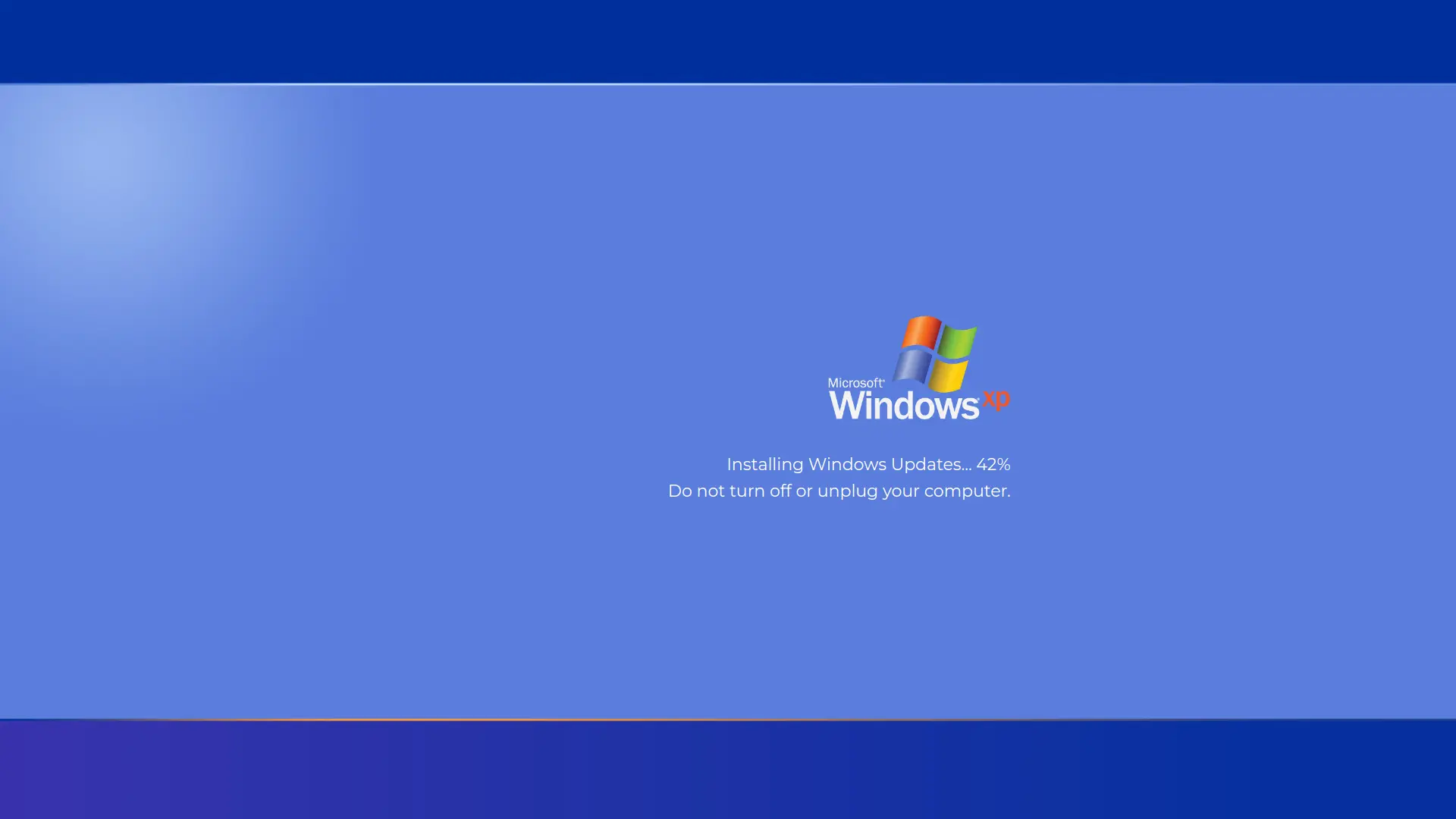

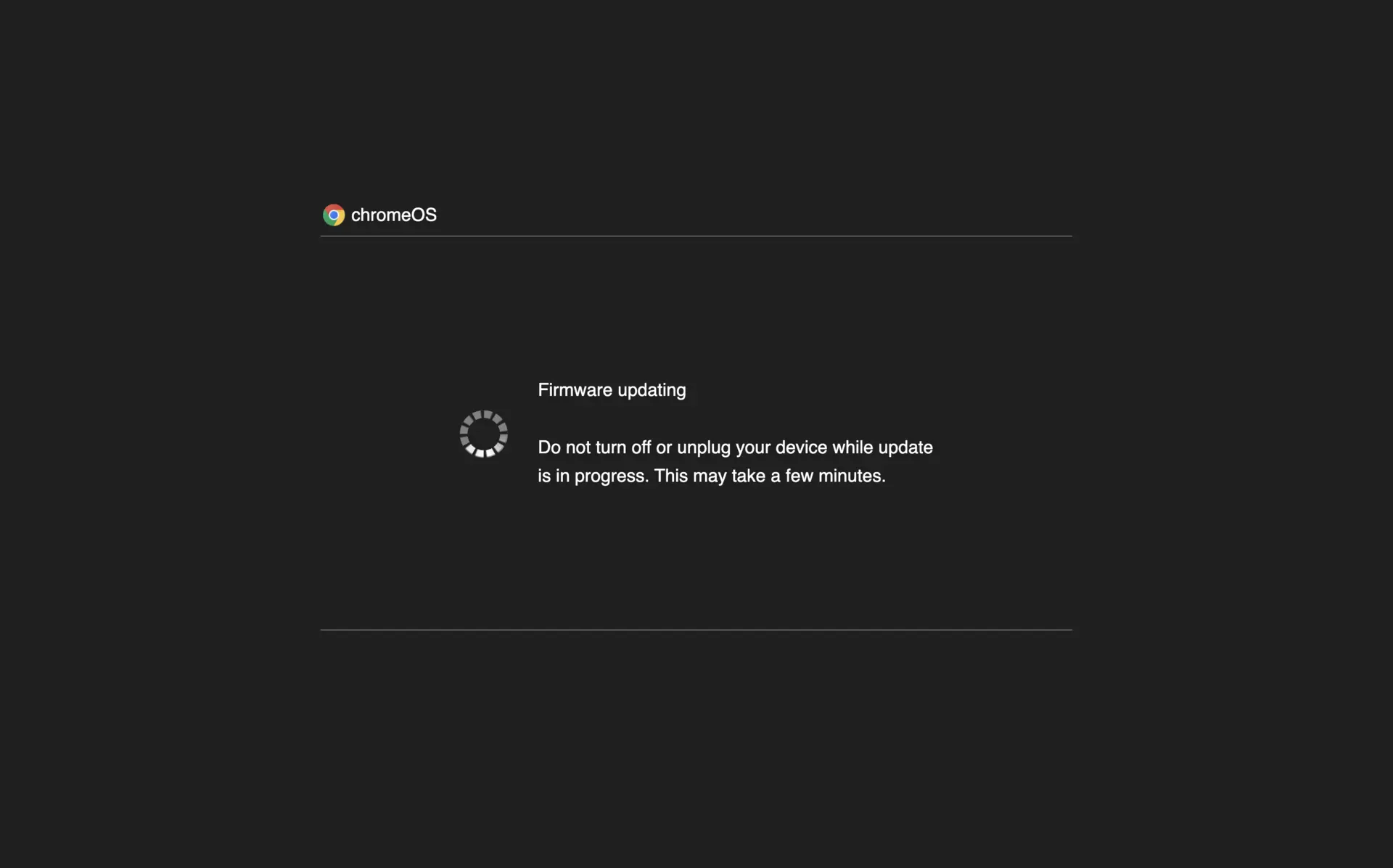
Screensaver Screens

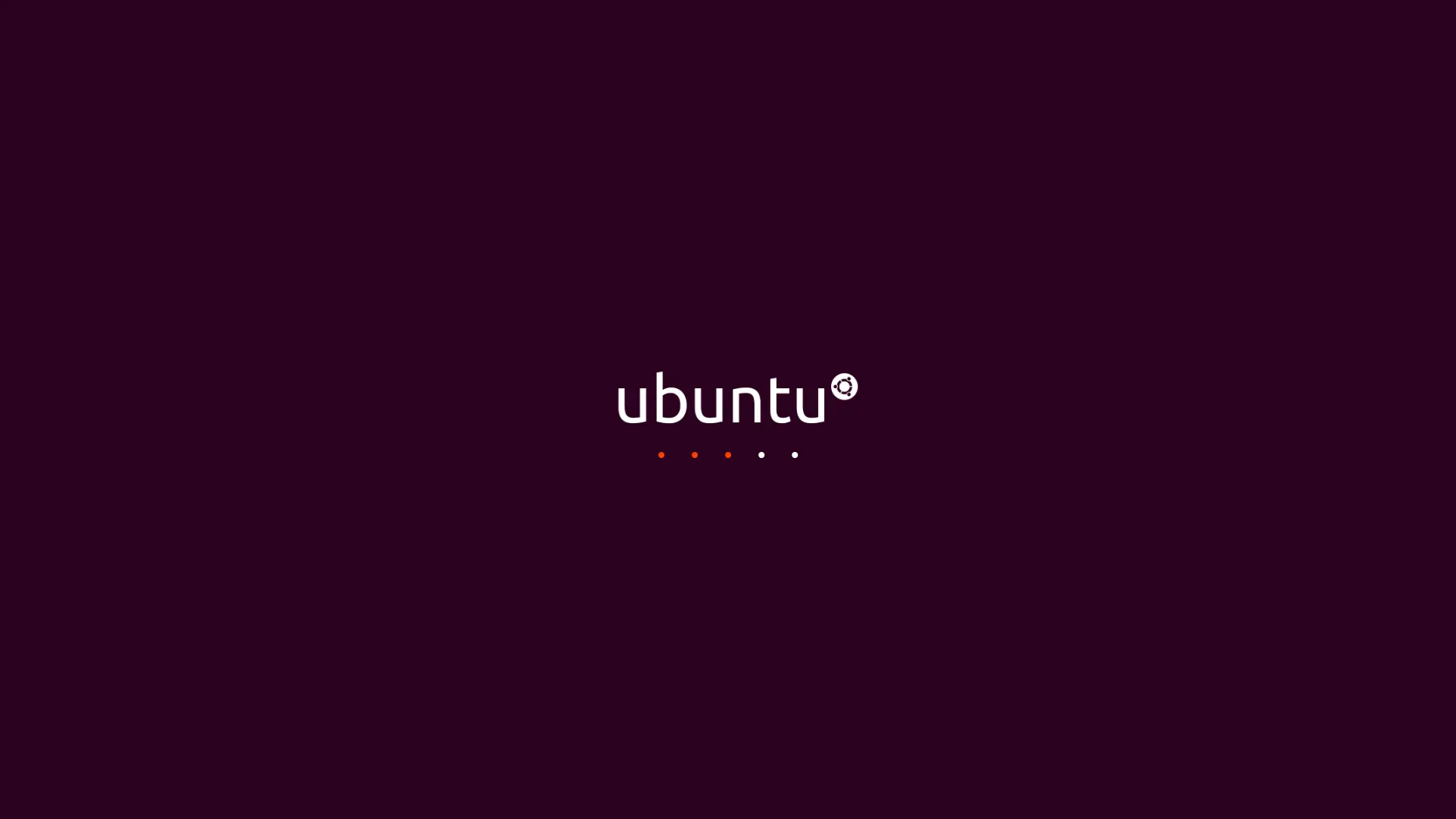
What is Fake Ubuntu 22.04 Update Screen?
A realistic Ubuntu 22.04 update screen simulator that recreates the authentic Linux update interface with Ubuntu's signature purple background, iconic logo, and animated dot progress indicator. Perfect for pranks, demonstrations, or testing purposes. Features the genuine Ubuntu visual design with fully adjustable update duration and starting percentage.
Features
- Authentic Ubuntu 22.04 update screen design
- Iconic Ubuntu logo display
- Animated dot progress bar (fills left to right)
- Customizable update duration (1-60 minutes)
- Adjustable starting percentage (0-99%)
- Fullscreen mode for maximum realism
- Automatic progress calculation
- Ubuntu's signature purple and orange color scheme
How to Use
- 1Set your desired update time using the slider (1-60 minutes)
- 2Choose the starting percentage (0-99%)
- 3Click 'Start Update' button to begin the simulation
- 4Click anywhere or press ESC to exit fullscreen mode
- 5Use reset button to restart with different settings
Best Tips
- Perfect for pranking Linux enthusiasts
- Use fullscreen mode for authentic Ubuntu experience
- Great for Linux demonstrations and tutorials
- Ideal for testing user patience responses
- Combine with Ubuntu sound effects for full effect