Working on updates 0% complete
Start Update
Update Settings
5 min
0%
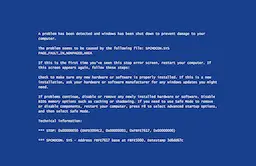
Fake Update Screens
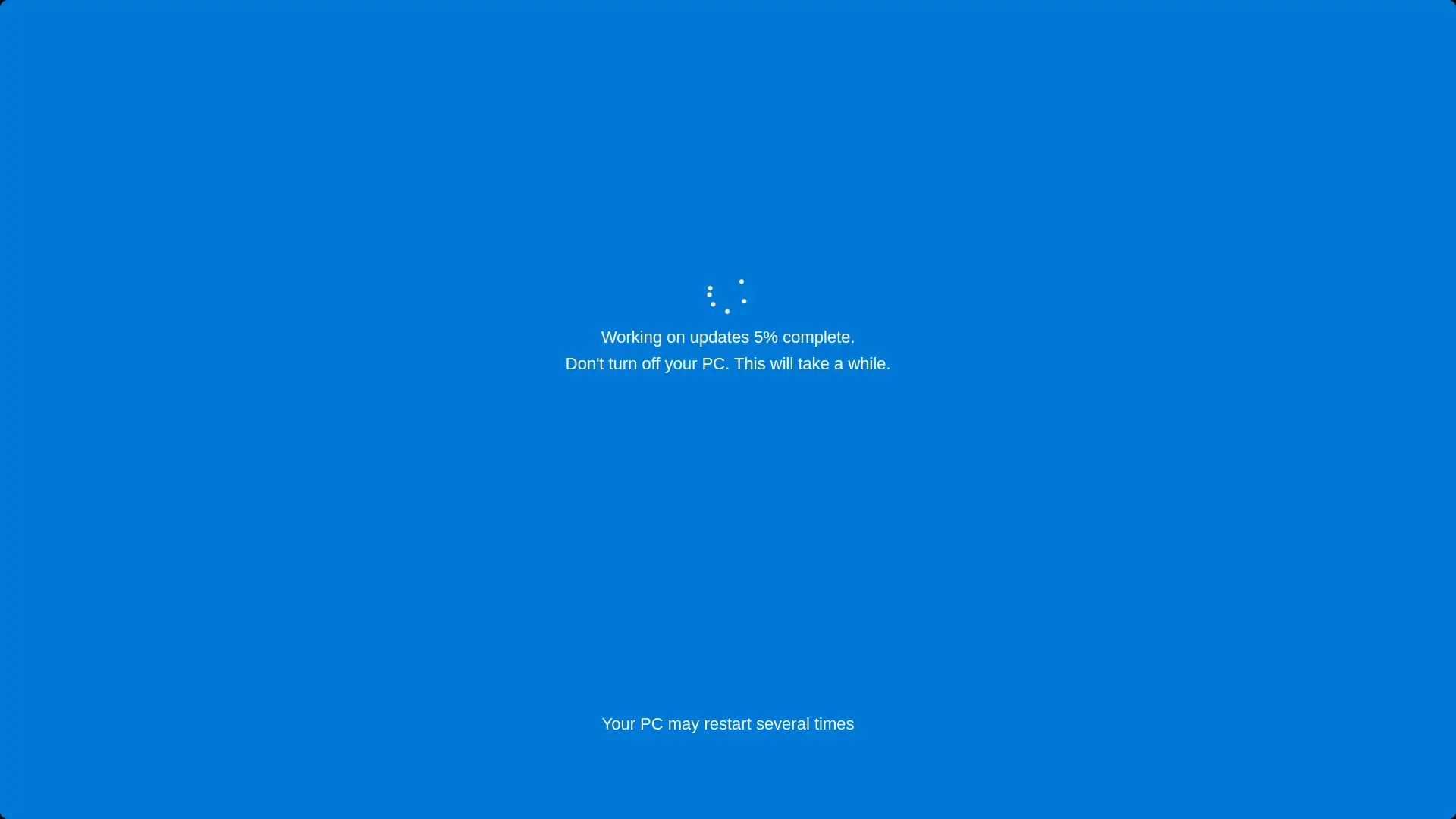
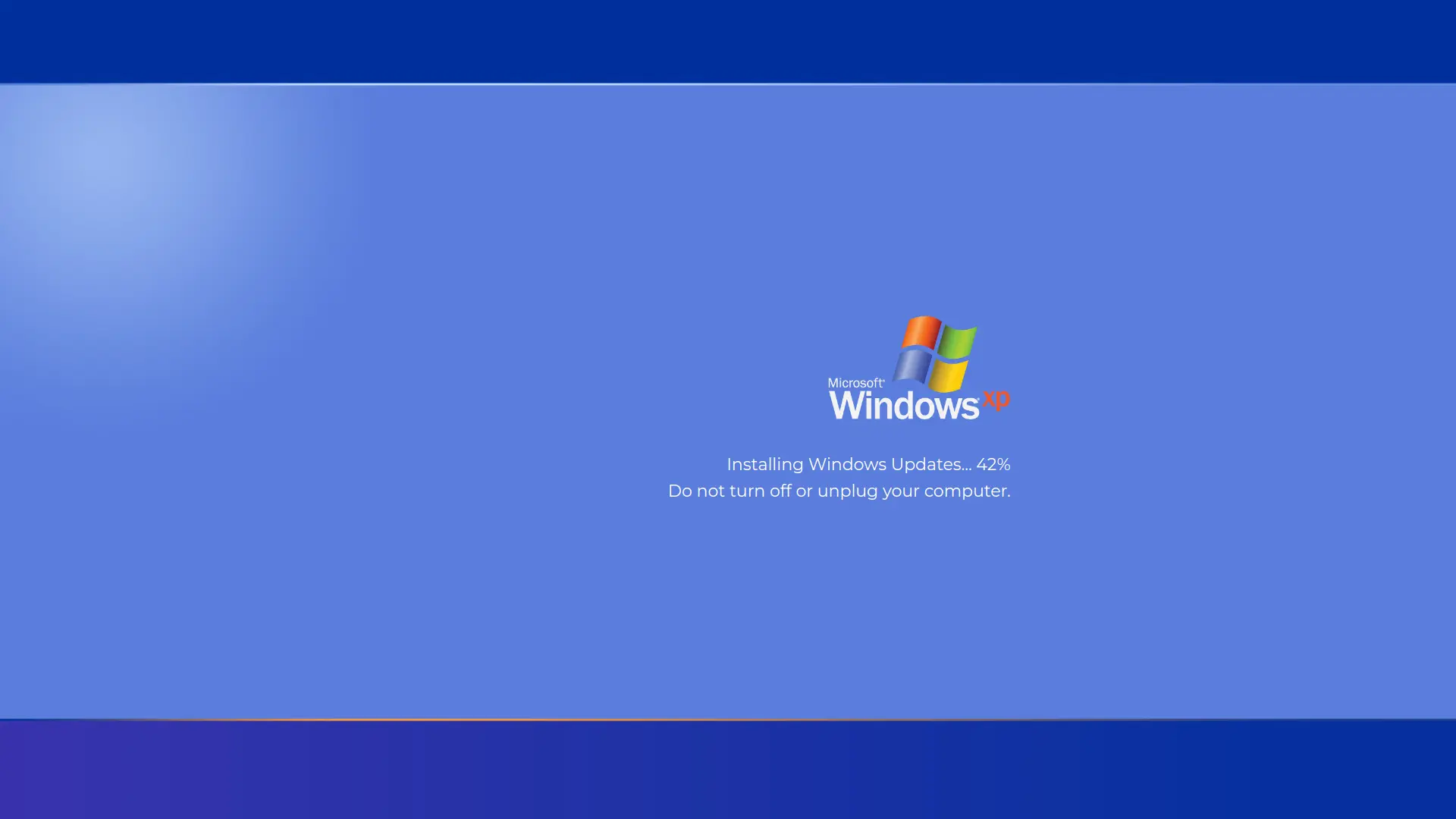
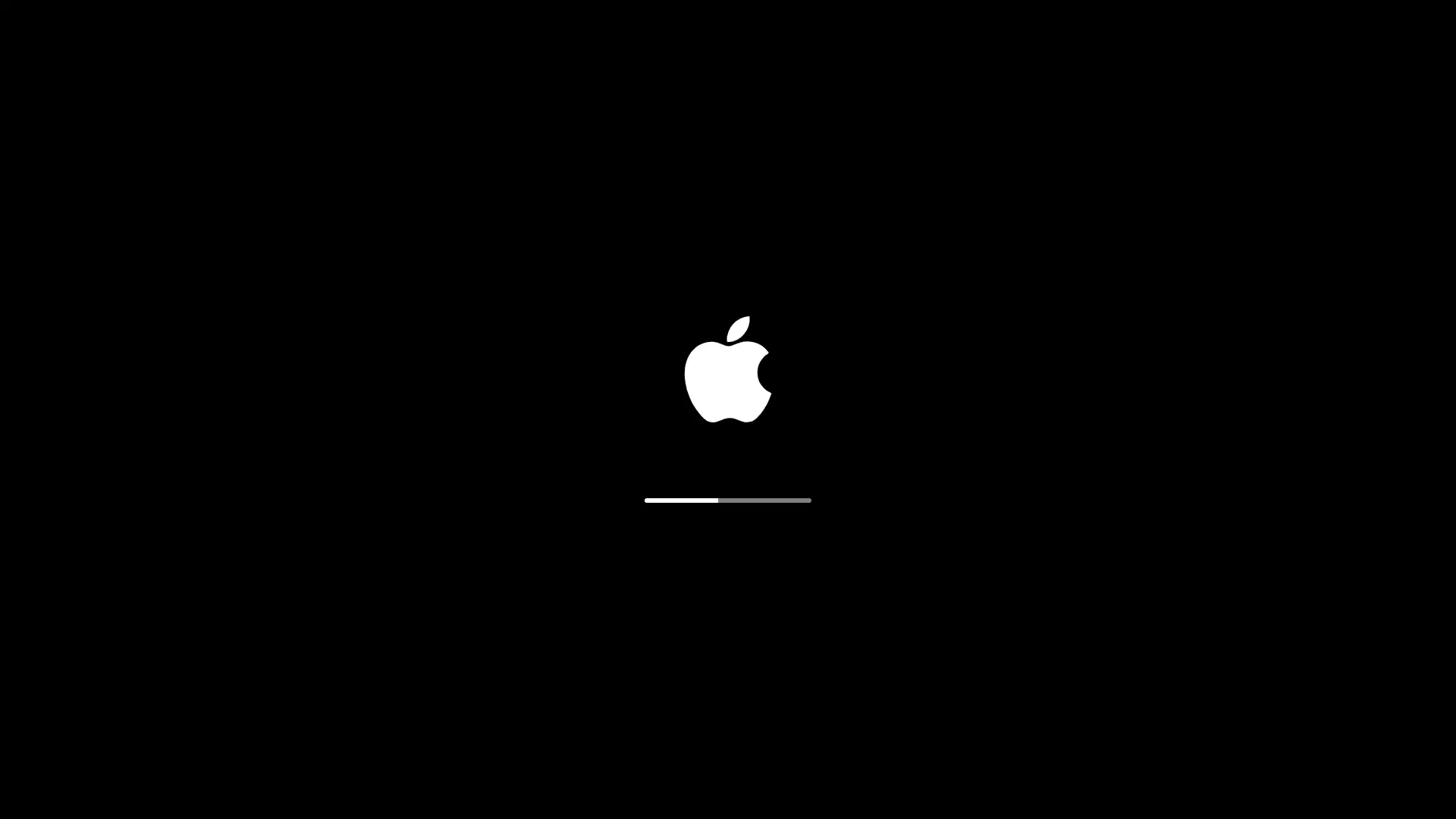
Screensaver Screens

What is Fake Windows 10 Update Screen?
A realistic Windows 10 update screen simulator that displays the classic blue update interface with animated loading spinner and customizable progress. Perfect for pranks, demonstrations, or testing purposes. Features authentic Windows 10 visual design with fully adjustable update duration and starting percentage.
Features
- Authentic Windows 10 update screen design
- Customizable update duration (1-60 minutes)
- Adjustable starting percentage (0-99%)
- Realistic loading spinner animation
- Fullscreen mode for maximum realism
- Automatic progress calculation
- Authentic Windows messages and UI
How to Use
- 1Set your desired update time using the slider (1-60 minutes)
- 2Choose the starting percentage (0-99%)
- 3Click 'Start Update' button to begin the simulation
- 4Click anywhere or press ESC to exit fullscreen mode
- 5Use reset button to restart with different settings
Best Tips
- Use fullscreen mode for the most realistic prank effect
- Set longer update times for extended pranks
- Start at higher percentages for quicker demonstrations
- Perfect for April Fools' Day pranks on friends
- Great for testing user patience or system demonstrations